
Gemini Error 1155 Today: Why Google Gemini Is Not Working and How to Fix It
Written By Dilshad AhmadPublished: 08 October 2026 • 11:40 PM IST
Gemini Error 1155 Today: Why Google Gemini Is Not Working and How to Fix It
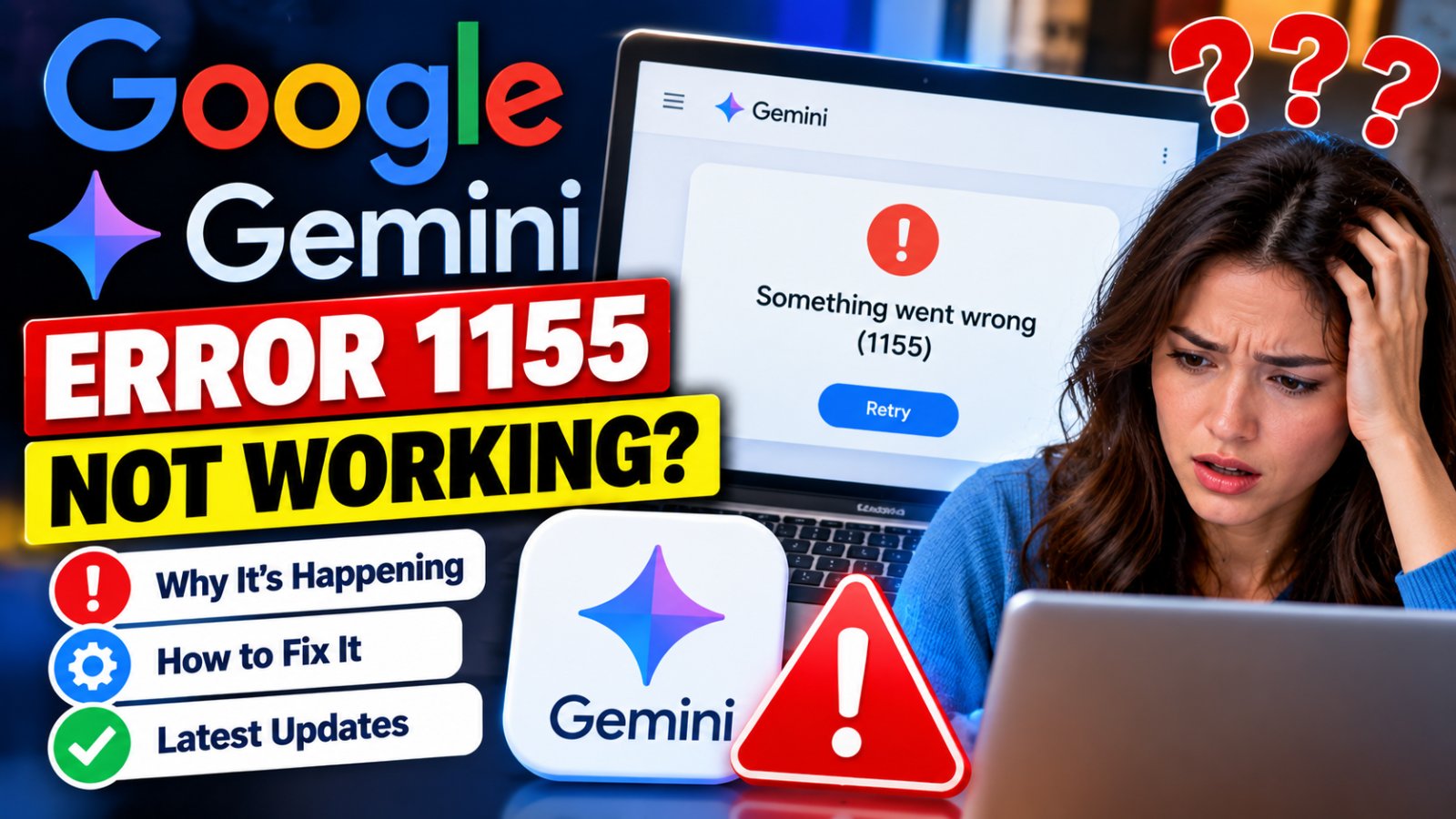
Google Gemini users are reporting the “Something went wrong (1155)” error on October 8, 2026. The problem appears to be affecting some users when Gemini tries to generate responses, and recent user reports indicate that the issue is not necessarily limited to one device or browser.
Multiple users are reporting Gemini generation failures, including error codes such as 1155. Google's public Workspace status dashboard currently shows no active incident, so the exact cause of today's 1155 reports has not been officially confirmed by Google. 1
What Is Gemini Error 1155?
Gemini Error 1155 appears with a message similar to “Something went wrong (1155)”. Google does not currently provide a public directory explaining every internal Gemini numeric error code, so there is no official Google definition that confirms exactly what error 1155 means.
However, current reports show that the error can appear while users are trying to send prompts or generate responses. Similar 1155 reports have also appeared during earlier periods of Gemini instability. 2
Is Google Gemini Down Today?
There are signs of a broader Gemini problem today, but it is important to distinguish user reports from an officially confirmed Google outage.
On October 8, users have reported repeated Gemini errors, including 1155, problems generating responses and, in some cases, difficulty accessing conversations. Independent outage reports have also shown a significant increase in Gemini complaints. 3
At the same time, Google's Workspace Status Dashboard currently says “No incidents.” This means Google has not publicly confirmed a current Workspace-level Gemini outage through that dashboard at the time of this update. 4
Why Am I Getting Gemini Error 1155?
There is no confirmed public technical explanation for today's 1155 error. Possible causes can include a temporary Gemini backend problem, an interrupted session, browser cookies, extensions, network issues or a problem affecting a particular conversation.
Google has previously confirmed Gemini incidents involving elevated error rates and “Something went wrong” messages. Its status history also shows that Gemini web and app users have experienced intermittent errors during previous incidents. 5
How to Fix Gemini Error 1155
If Gemini is not working on your device, try the following steps in order.
1. Start a New Gemini Chat
Open a completely new conversation and send a short test prompt. A single conversation can sometimes become stuck, so testing a new chat helps determine whether the problem is limited to the existing session.
2. Refresh Gemini
Close the Gemini tab or app completely and reopen it. On a computer, a hard refresh can also force the browser to reload the Gemini page.
3. Try Incognito or Private Mode
Open Gemini in an Incognito or Private window and sign in. If Gemini works there but not in your normal browser, an extension, cookie or cached session may be responsible.
4. Clear Gemini Cookies and Cache
Clear site data for Gemini and sign in again. Google Gemini Help Community guidance commonly recommends clearing browser cache and cookies when “Something went wrong” errors persist. 6
5. Disable Browser Extensions
Temporarily disable ad blockers, privacy extensions and VPN-related browser extensions, then test Gemini again. Extensions can sometimes interfere with web applications and their connection to servers.
6. Switch Your Internet Connection
Try another connection, such as switching from Wi-Fi to mobile data. This can help determine whether the problem is related to your local network.
7. Update the Gemini App
On Android or iPhone, check the relevant app store for a pending Gemini update. Restart the app after updating.
8. Sign Out and Sign Back In
Signing out of your Google account and signing back in can refresh the authentication session used by Gemini.
Gemini Error 1155: Browser vs Server Problem
| What You See | What It May Indicate |
|---|---|
| 1155 only in one conversation | The conversation or session may be stuck |
| 1155 only in one browser | Cache, cookies or browser extensions may be involved |
| 1155 across browsers | Could indicate an account, network or Gemini-side problem |
| 1155 on multiple devices | A broader service or account issue becomes more likely |
| Many users report 1155 at the same time | A wider Gemini service problem may be occurring |
Does Error 1155 Mean My Gemini Account Is Banned?
Not necessarily. A 1155 error by itself does not prove that a Google account has been banned, suspended or permanently restricted.
If Gemini works normally in another account or when signed out, an account-specific access or configuration issue may need further investigation. Recent Gemini community reports also show that some access problems can follow a particular account rather than a specific browser. 7
How to Report Gemini Error 1155 to Google
If the problem continues after basic troubleshooting, you can report it directly through Gemini.
- Open the Gemini website or mobile app.
- Open the Settings & Help or feedback section.
- Select Send feedback.
- Describe the exact error, including “Something went wrong (1155)”.
- Add a screenshot if appropriate.
- Submit the report.
Google's official Gemini help page confirms that users can report general problems through the Gemini web app or mobile app. 8
Before attaching screenshots, remove passwords, personal information, private conversations, financial information and other sensitive details that are not necessary for troubleshooting.
Frequently Asked Questions
What does Gemini error 1155 mean?
Google has not publicly documented a specific official meaning for error 1155. Current reports show it as a “Something went wrong” error affecting Gemini requests.
Is Gemini down right now?
Users are reporting Gemini problems and 1155 errors on October 8, 2026, but Google's current Workspace Status Dashboard does not show an active incident. 9
Will clearing cache fix Gemini 1155?
It can help if the problem is caused by a corrupted browser or app session, but it will not necessarily fix a server-side Gemini outage.
Why does Gemini work in Incognito but not normally?
This can indicate that cached data, cookies or a browser extension is interfering with Gemini. Try clearing Gemini's site data and disabling extensions one at a time.
Can VPN cause Gemini 1155?
A VPN can sometimes contribute to connection or authentication problems, although current reports do not establish that VPNs are the universal cause of today's 1155 errors.
Should I keep retrying the same prompt?
If Gemini is experiencing a temporary backend problem, repeatedly submitting the same request may not help. Try a new chat, test another browser or device, and check again later.
Bottom Line
Gemini Error 1155 is currently being reported by users on October 8, 2026, but Google has not publicly confirmed a specific cause for the error. The available evidence points to a possible broader Gemini disruption, while Google's public Workspace status page currently reports no active incident.
If you are affected, first try a new chat, refresh Gemini, use Incognito mode, clear cache and cookies, disable extensions and test another network. If the error continues across multiple devices and browsers, it may be better to wait for Google's service-side issue to be resolved and submit a feedback report.
Official Sources
- Google Gemini Help — Send Feedback or Report a Problem
- Google Workspace Status Dashboard
- Google Gemini Apps Help